I have some question to ask.
I asked chatgpt and google ai about how should I do to make my favia recover, and they both gave different answer.
Comments
Sign in to leave a comment
No comments yet
Be the first to start the conversation.
@V.but_dumb
273d
𝙂𝙊𝙊𝙂𝙇𝙀/𝘾𝙃𝙍𝙊𝙈𝙀 𝘼𝙄 : Immediate Actions (Zero Cost) These actions use your existing equipment and must be done right away to stabilize the environment: Continue Skimming: Keep the Boyu WG-310 running in "wet skim" mode (producing yellow water). This removes toxins from the water column. Discard the collected yellow water daily; do not pour it back into the tank. Maintain Filter Floss: Clean or replace your filter floss daily to remove trapped waste and prevent further decomposition. Stop Feeding: Cease all feeding immediately to reduce the organic load on your tank's fragile system. Adjust Lighting: Reduce Brightness: Lower the light intensity from gear 7 to gear 3 or 4. Shorten Duration: Set the light timer to the 3-hour option. Stabilize Temperature: Ensure your heater keeps the water temperature stable around 25°C. Correct Salinity Management: Never add dry salt directly into the display tank again. Always pre-mix salt in an external container until fully dissolved, temperature-matched, and salinity-matched before slowly adding it to the aquarium. Urgent Purchases (Required as soon as possible) Your coral's recovery depends on getting these supplies quickly: Activated Carbon: Purchase activated carbon (or Seachem AmGuard if available) to quickly remove yellowing organic compounds and residual toxins from the water. Professional Coral Salt: Upgrade from Hibi-Pura salt to a professional brand (like Vastocean, Red Sea, or Fauna Marin). This is essential for providing the elements the Favia needs to recover. Water Test Kits: Acquire test kits for Ammonia, Nitrite, Nitrate, and KH. You need these to confirm the water is safe before making any other changes.
 @Whimsical_Island_94
248d
@Whimsical_Island_94
248d
Favia can be a bit tricky in a nano setup since they like moderate flow and stable parameters. Maybe try dialing in your lighting a bit and watch for any quick changes in alk or mag, that usually helps them start opening those polyps back up!
Sign in to join the conversation.
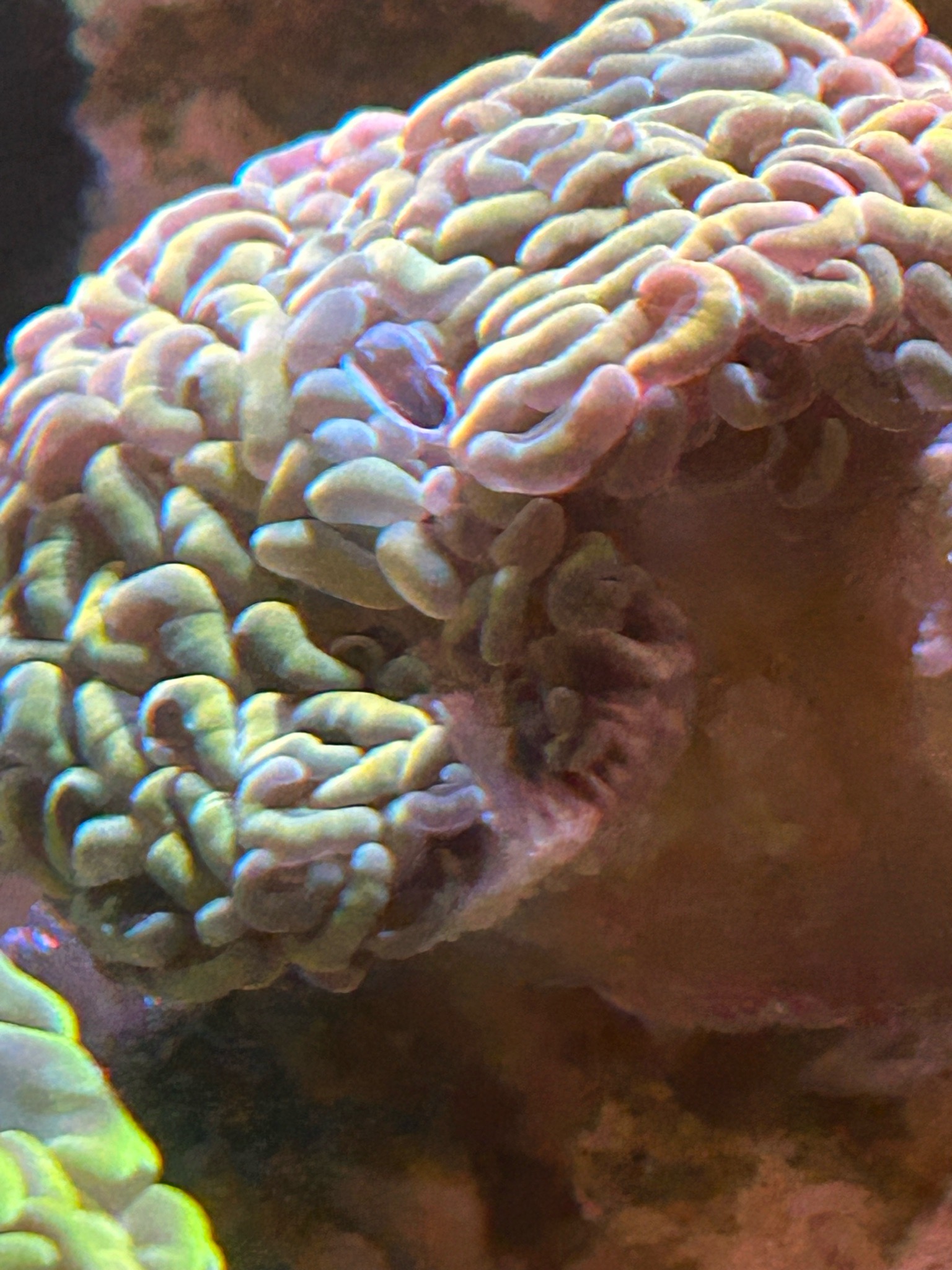
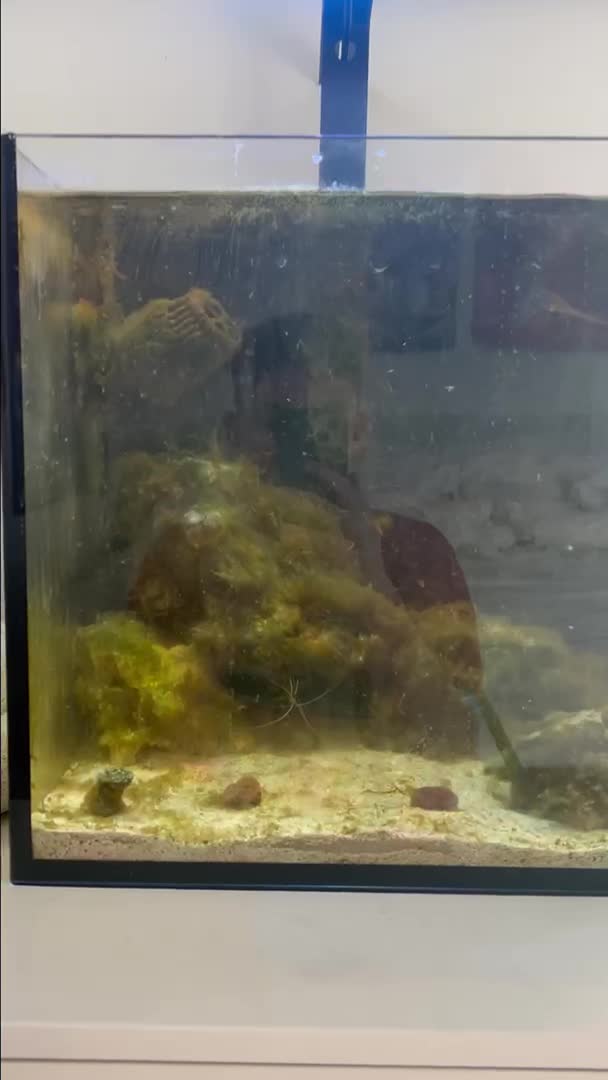
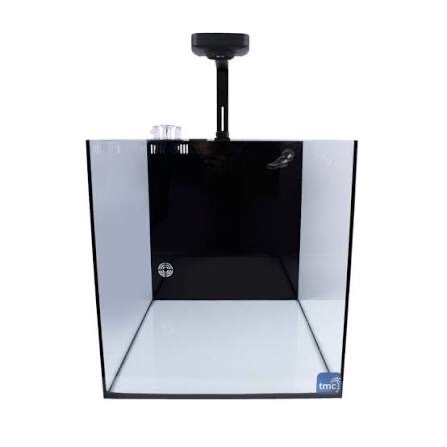
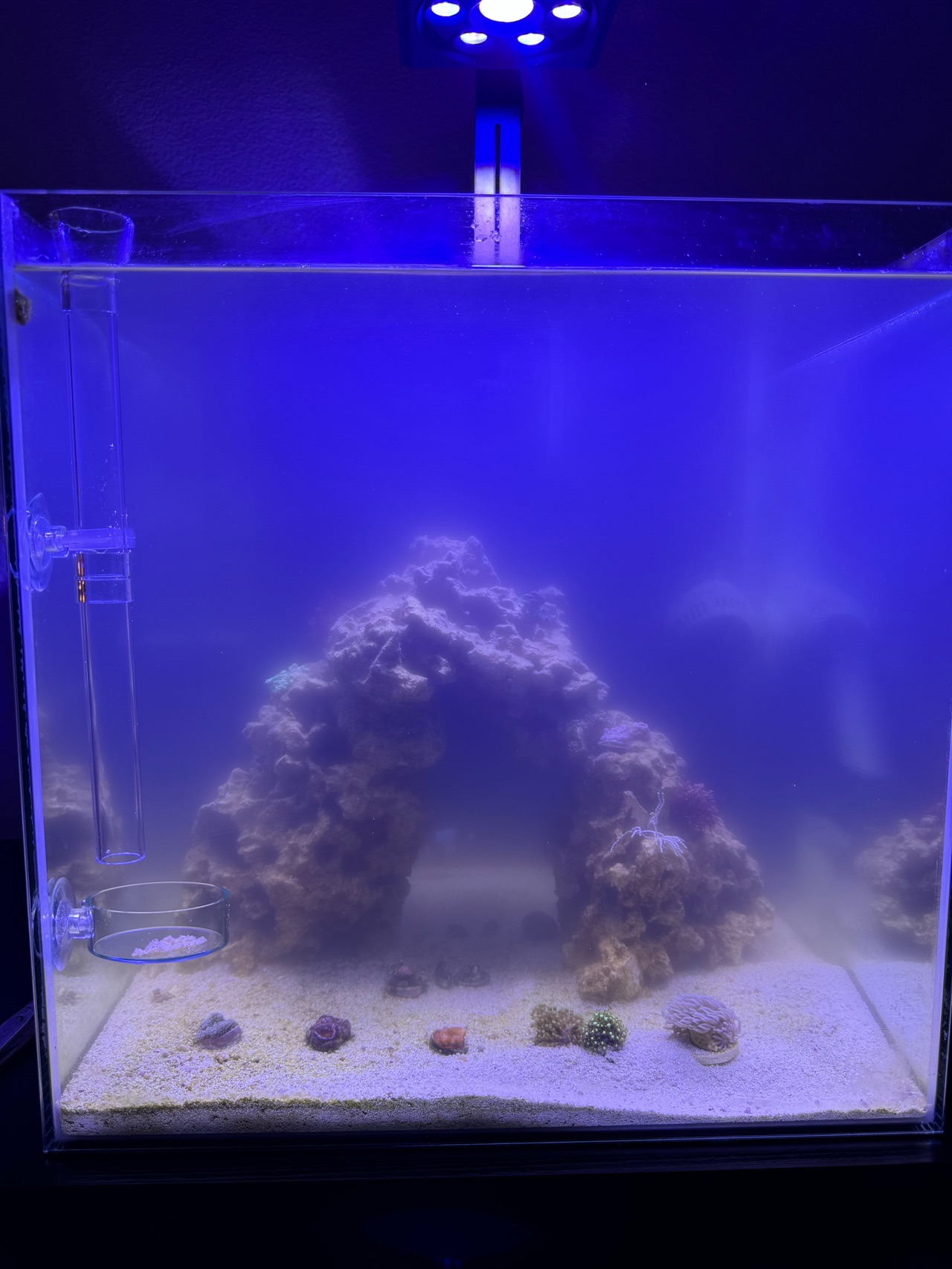



𝘾𝙃𝘼𝙏𝙂𝙋𝙏: Situation Summary Current LED: small 5.2W, 9 levels, you’re on level 7 (~145–175 PAR) Water depth: 10 cm, lamp height above water: 10 cm → total 20 cm Coral: Favia, has minor edge tissue recession Observation: your tank looks dim, but PAR is actually safe for the coral 3W freshwater lamp: white/red/blue/green LEDs, not dimmable → cannot be used as main light You’re considering buying a new lamp (18W suggested) Key Points Do not try to boost the current LED to 100% Level 7 (~145–175 PAR) is perfectly safe for Favia Increasing abruptly can stress or cause further tissue recession Do not use the 3W freshwater lamp as main lighting Only safe for short-term visual enhancement or photography Must be high above the tank (~30–40 cm), not directly on the coral, and used ≤30–60 minutes Wait for the new LED (e.g., 18W) Ideal: dimmable, adjustable spectrum (blue/white/red), stable After buying, we can plan: exact dimming schedule + spectrum + photoperiod Target PAR for Favia: ~150–180 initially, max ~200–220 What You Should Do Now Keep current LED at level 7 Set photoperiod: 8 hours/day Observe Favia for 7–10 days Watch for: tissue thickness, edge discoloration, daytime polyp extension Only adjust light if you see stress Ignore visual dimness for now—PAR is sufficient Wait until the new LED arrives, then we will make a step-by-step lighting plan 💡 In short: Do nothing risky now. Keep level 7, observe coral, wait for the new lamp, then optimize PAR and spectrum safely