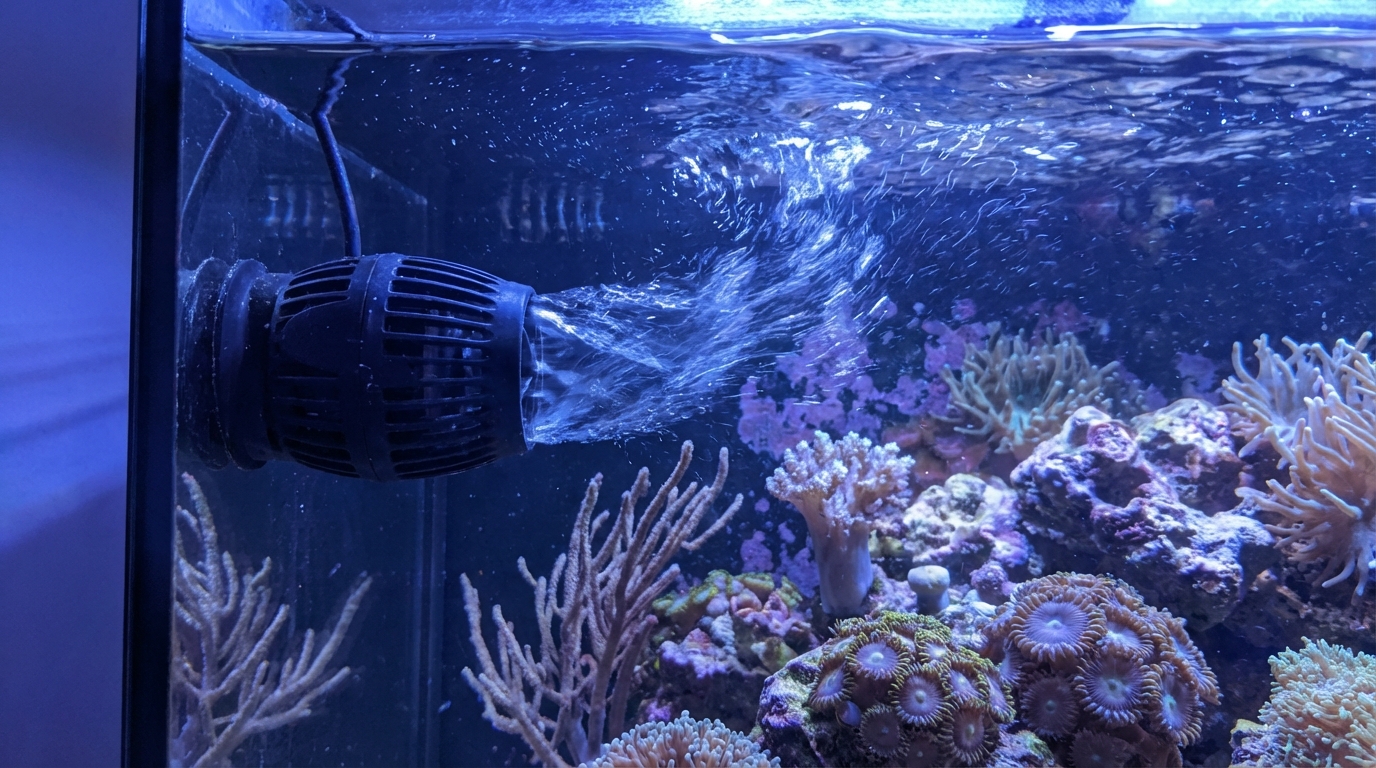
How Do I Know If My Flow Is Too Strong for Corals?
Quick Answer
Signs of excessive flow include constantly retracted polyps, tissue peeling from skeleton, corals growing away from flow, and frags that won't stay attached.
Watch for these telltale signs that your coral is experiencing too much direct flow from powerheads or wavemakers:
Signs of Excessive Flow
1. Constantly Retracted Polyps
If your coral's polyps stay tucked in even during the day, direct flow may be blasting them. Polyps should extend naturally when lighting is on and retract only at night or when feeding.
2. Tissue Recession
When tissue pulls away from the coral skeleton, especially on the side facing the flow, the current is likely damaging the flesh. LPS corals like torches and hammers are particularly sensitive to this.
3. Directional Growth
Corals naturally grow toward ideal conditions. If yours is stretching or leaning away from your flow source, it's trying to escape the blast.
4. Frags Won't Stay
If your glued frags constantly blow off or shift position, flow is too strong at that spot.
5. Blown Sand
Sand constantly moving or revealing bare glass indicates excessive flow that's likely affecting nearby corals too.
How to Fix It
- Redirect the powerhead - Aim at rock or glass so flow bounces rather than hits corals directly
- Reduce intensity - Use a wavemaker controller to lower output or cycle on/off
- Move the coral - Relocate to a calmer spot, especially for LPS
- Add obstacles - Place rock between the pump and sensitive corals to break up flow
Ideal Flow by Coral Type
- SPS (Acropora, Montipora): Can handle strong flow - 50-100x turnover
- LPS (Torch, Hammer, Frogspawn): Moderate, indirect - 30-50x turnover
- Soft corals & LPS (Mushrooms, Acans): Low, gentle - 20-30x turnover
Monitor your corals after making flow changes and track their response in the ReefBay app. Most corals need 1-2 weeks to show improvement after adjustments.
Was this helpful?