
Parameter Tracker Improvements
What’s New?
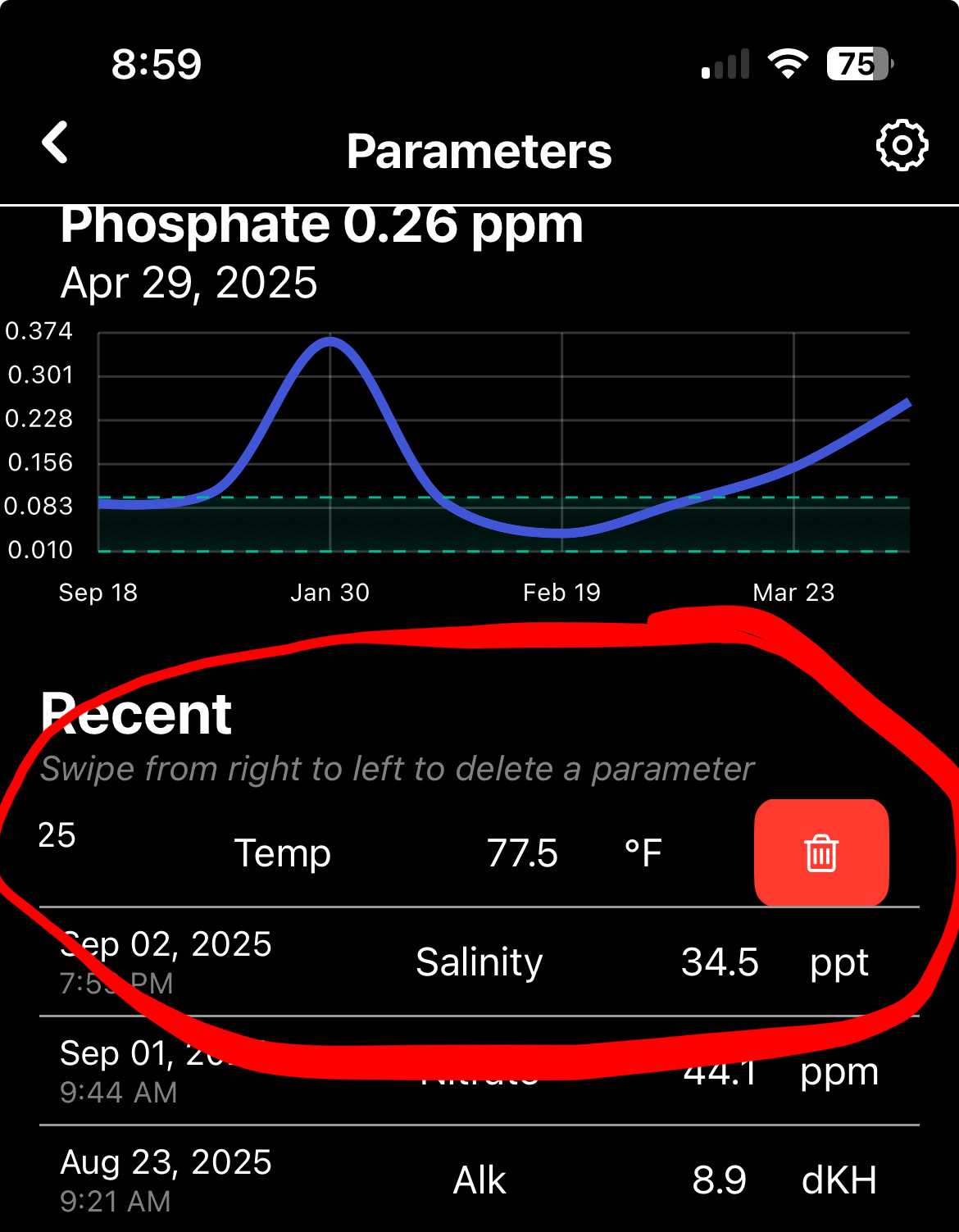
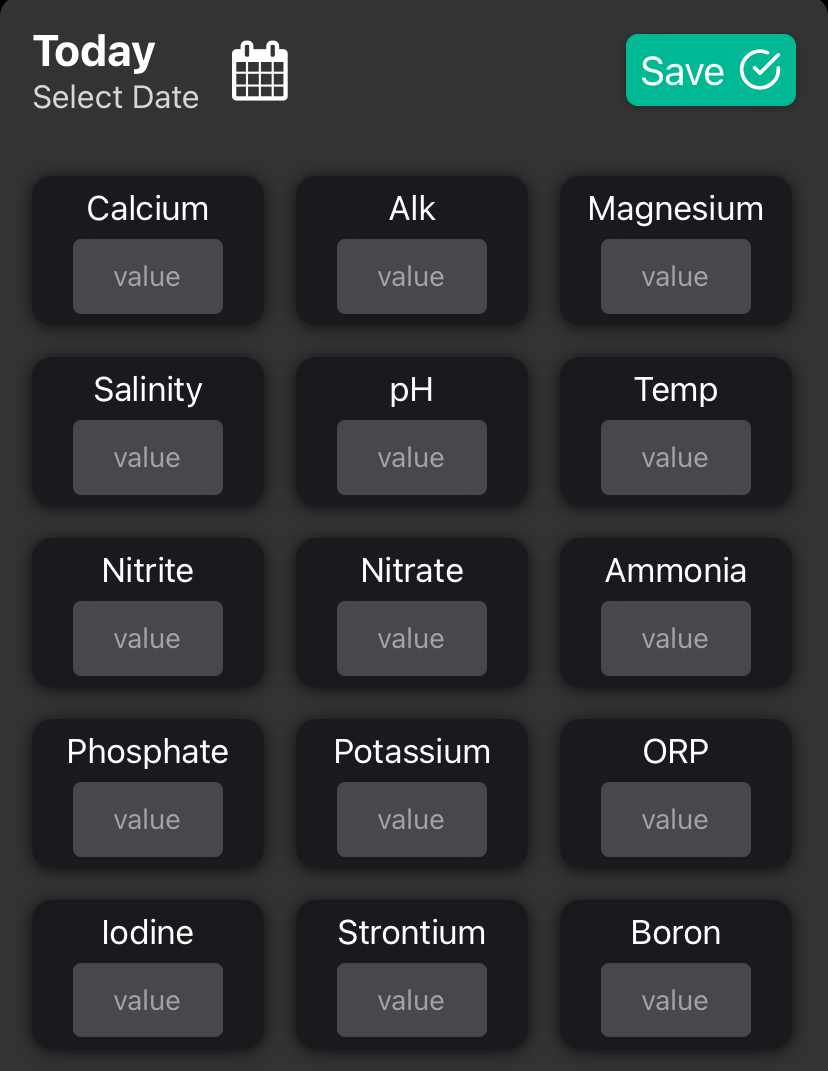
I’ve added a settings icon top right on the parameter screen so you can customize your experience.
- Toggle showing all graphs at once
- Toggle showing recommended lines
- Toggle showing ‘Add Note’
- Toggle showing ‘Add Dosing’
- Edit recommended values for parameters
- Change parameter order
I appreciate those who have joined #DeepDive it really helps me grow this app. If you haven’t yet, check out #DeepDive and all of the awesome features it has to offer!
Comment below any other app improvements you would like me to make 👇
Comments
Sign in to leave a comment
No comments yet
Be the first to start the conversation.

 @arrik
1y
@arrik
1y
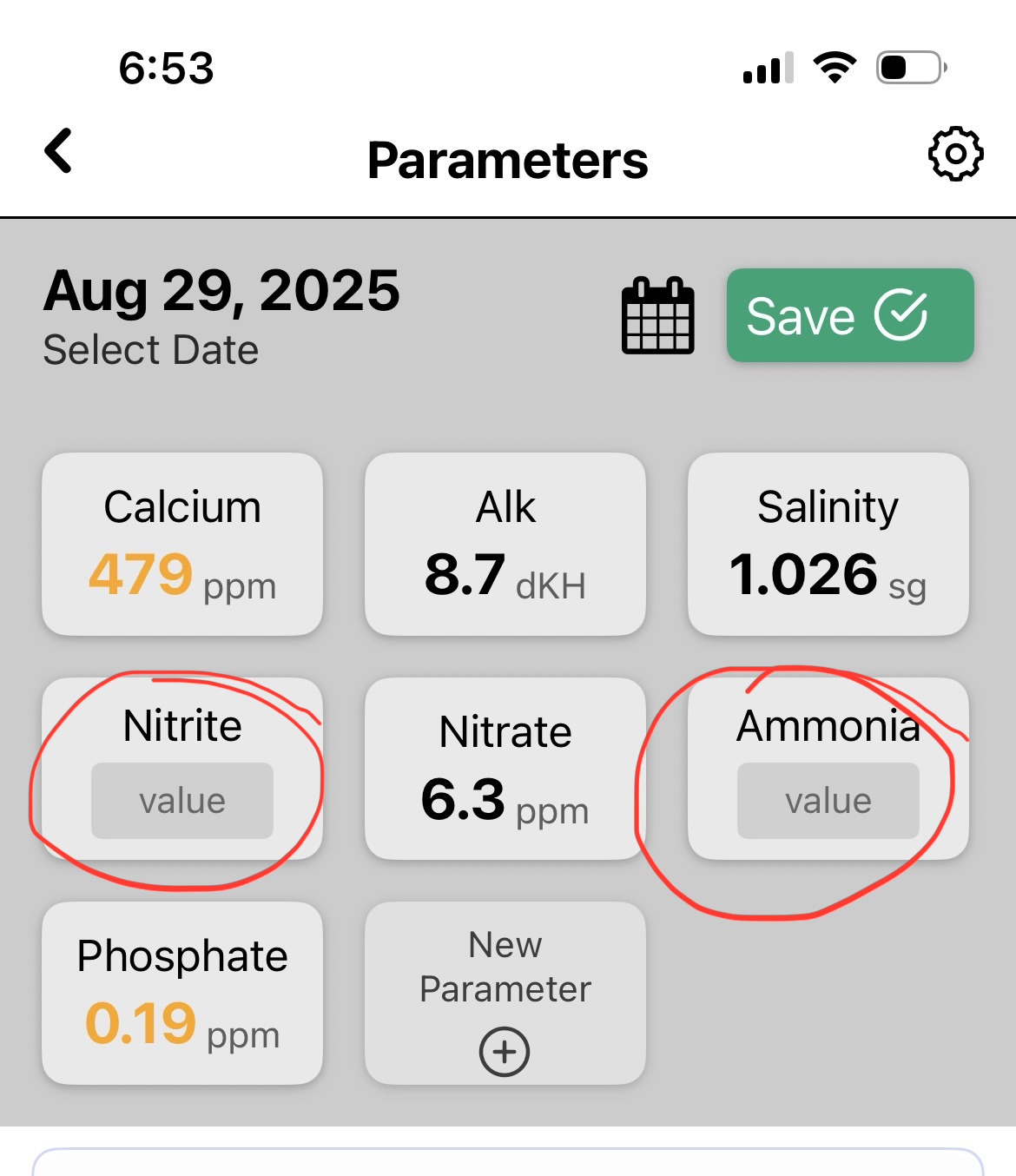
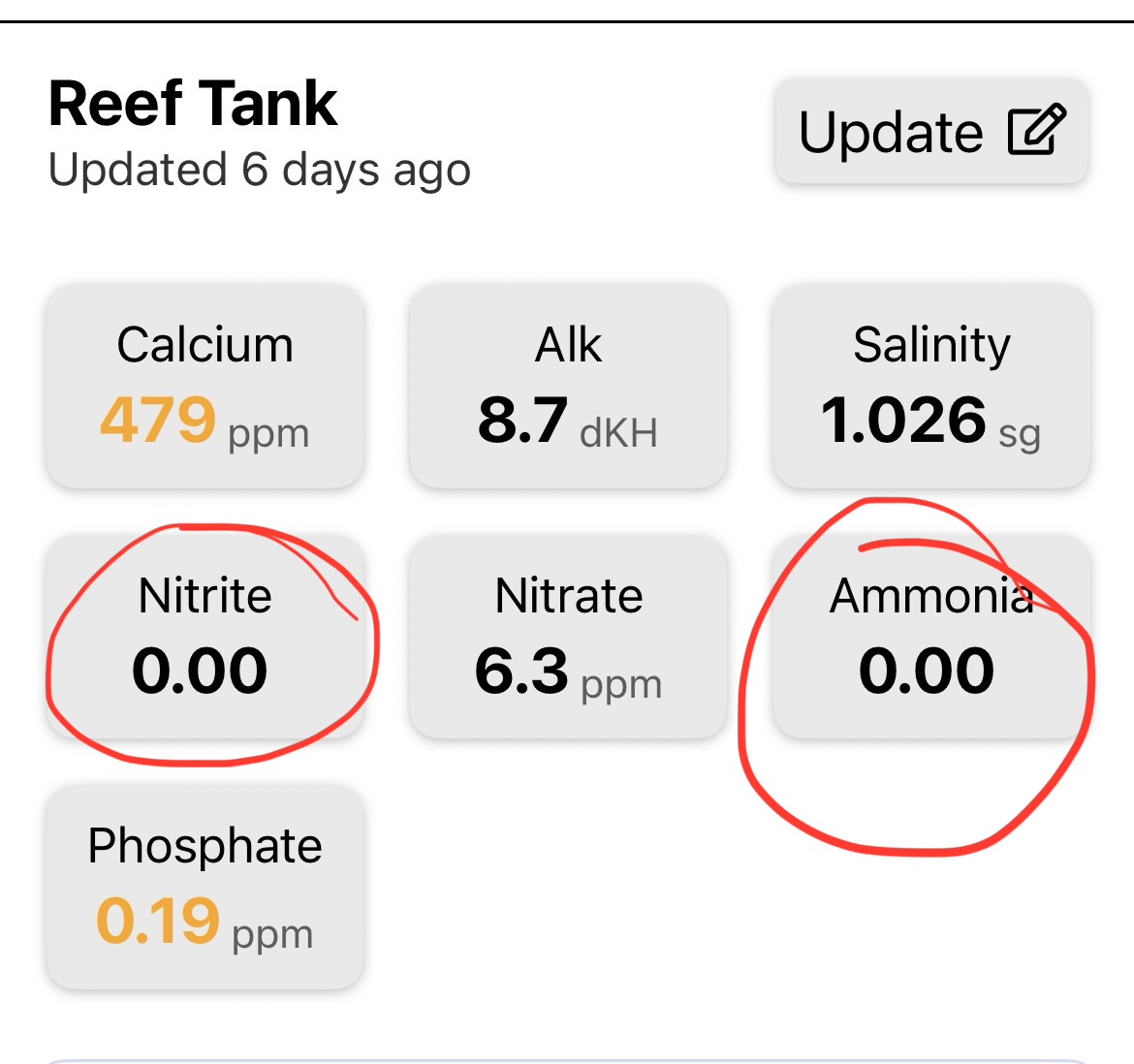
hi I saw your post on reddit and really like the look of utility of this app so far. I had created a shortcut to enter data into a spreadsheet. my feedback on entering parameters are 1) i don’t test certain parameters every time and I couldn’t see how to remove them if not tested, but if left blank i’d rather it be skipped than show 0 in the results. 2) I see the coarse and fine toggle but it can still be a lot of wheel scrolling, would a number pad option be useful as well?
@billy
1y
When clicking on a parameter you can hit ‘clear’ if you don’t want a 0 you inputted. Having an option for Keyboard input is a very good idea. I will work on that!
Sign in to join the conversation.



Awesome sauce. Thanks for all your hard work!